
Drive UP: Together Beginner Guide — First Climb Tips
Beginner guide for Drive UP: Together Early Access: what the climb is, altitude, co-op, checkpoints vs normal mode, leaderboards, and first-run mistakes to avoid.
What should I know before my first run?
These seven points come from verified first-party sources (Steam, official site, and patch notes through v0.1.2):
- Co-op scale — Online lobbies support 1–8 players (official site and press kit). Solo is supported; the developer FAQ pin states the whole climb works solo too.
- Physics driving — Official copy stresses real driving physics: weight transfer, suspension, and throttle. “Momentum is the whole game.” Greedy throttle can step the rear out; braking shifts weight forward.
- Solid cars — Vehicles are solid. You can bridge gaps, push friends, shunt stuck cars, or tap bumpers—interaction is part of the design.
- Altitude in meters — Progress is measured in height. Press-kit screenshots show multiplayer tags such as 108m or 748m on screen; treat the meter readout as your live position on the course.
- Main climb vs checkpoint modes — Launch marketing included “No checkpoints: fall and you start again. All of it.” According to the official v0.1.2 patch notes, every map now has separate leaderboard tables for normal and checkpoint modes, and spawn protection applies when you go back to a checkpoint. How checkpoints are placed on each route is not published yet in official route documentation.
- Leaderboards (v0.1.2 rules) — According to the official v0.1.2 patch notes, ranking is altitude first, then finish time; ties break on fewer attempts. There is also an overall ranking plus per-map tables.
- Demo vs paid Early Access — A free Steam demo exists; it cuts off at a random height between 450 and 750 m by design. The full game includes the complete climb on every map. Compare scope in our demo vs full game guide.
For PC specs, see system requirements. For deeper driving ideas, see driving and momentum tips.
What is Drive UP: Together?
Drive UP: Together is a Windows PC Steam Early Access title from Gamevato (with Caporta Games listed on Steam). The store short description calls it chaotic, physics-based co-op climbing for up to eight friends: thin planks, giant pipes, and vertical ramps between you and the summit, where every meter is earned and a friendly push can save—or end—a run.
This page is an unofficial fan wiki guide. For purchase and platform facts, use the Steam store page.
What do new players get wrong first?
Our read (suggestions based on official physics wording and press-kit screenshots—not hidden tutorial rules):
- Rolling too fast into narrow planks — Official text highlights planks barely wider than your axles. Screenshots show cars falling from tight coastal and sky tracks; easing throttle before transitions is usually safer than carrying full momentum.
- Treating co-op like a race lane — Cars collide physically. A screenshot shows two SUVs colliding on a checkered ocean track. Leaving space on thin sections reduces chain-reaction falls.
- Ignoring weight transfer — Because momentum and weight shift matter, slamming throttle mid-corner or mid-ramp is a common way to flip. The pink truck flipped beside a white SUV in official screenshot 05 is a visible example of instability on a steep striped road—not proof of a single cause, but a fair warning.
How do I start climbing with friends?
Minimal checklist:
| Step | What to do (verified) |
|---|---|
| 1 | Each player owns the same Steam app (4058120) or uses the free demo (4749350) where applicable—not shared-screen one copy. |
| 2 | Form a lobby via Steam friends; from v0.1.1, in-game invites are supported so you do not have to alt-tab. |
| 3 | Host picks a map in the lobby. v0.1.2: clicking the map card (image or name) opens game settings. |
| 4 | Use the official Discord LFG thread if you lack friends online—there is no automatic matchmaking in official descriptions. |
| 5 | During a race, the host can kick players from the pause menu (v0.1.2). |
Team tactics (pushing, bridging, spacing) are covered in our co-op strategies guide.
What does a typical climb look like?
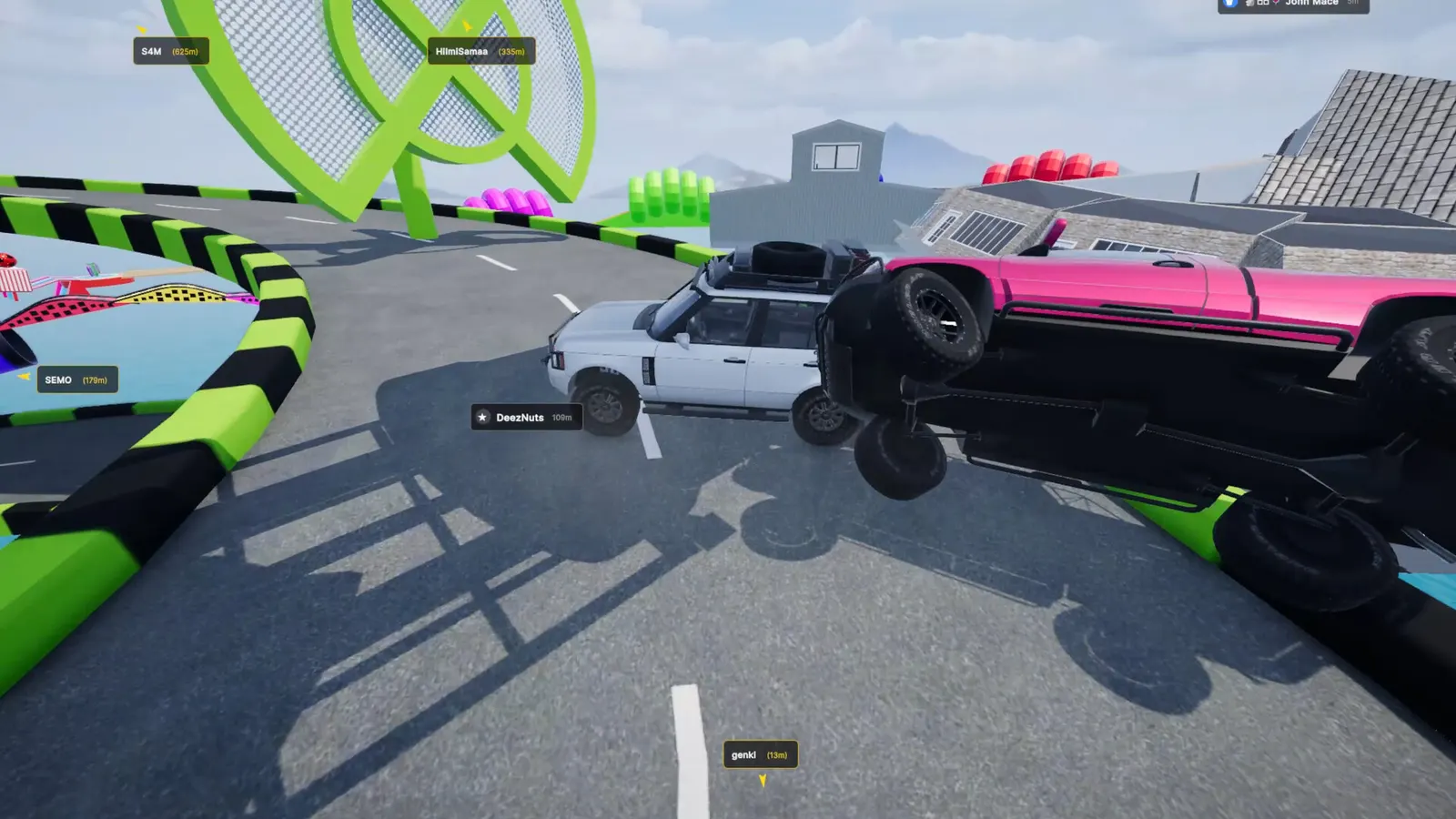
Screenshot: Gamevato official press kit.
Early meters often look crowded: multiple trucks on a green spiral over the ocean, with low altitude tags visible.
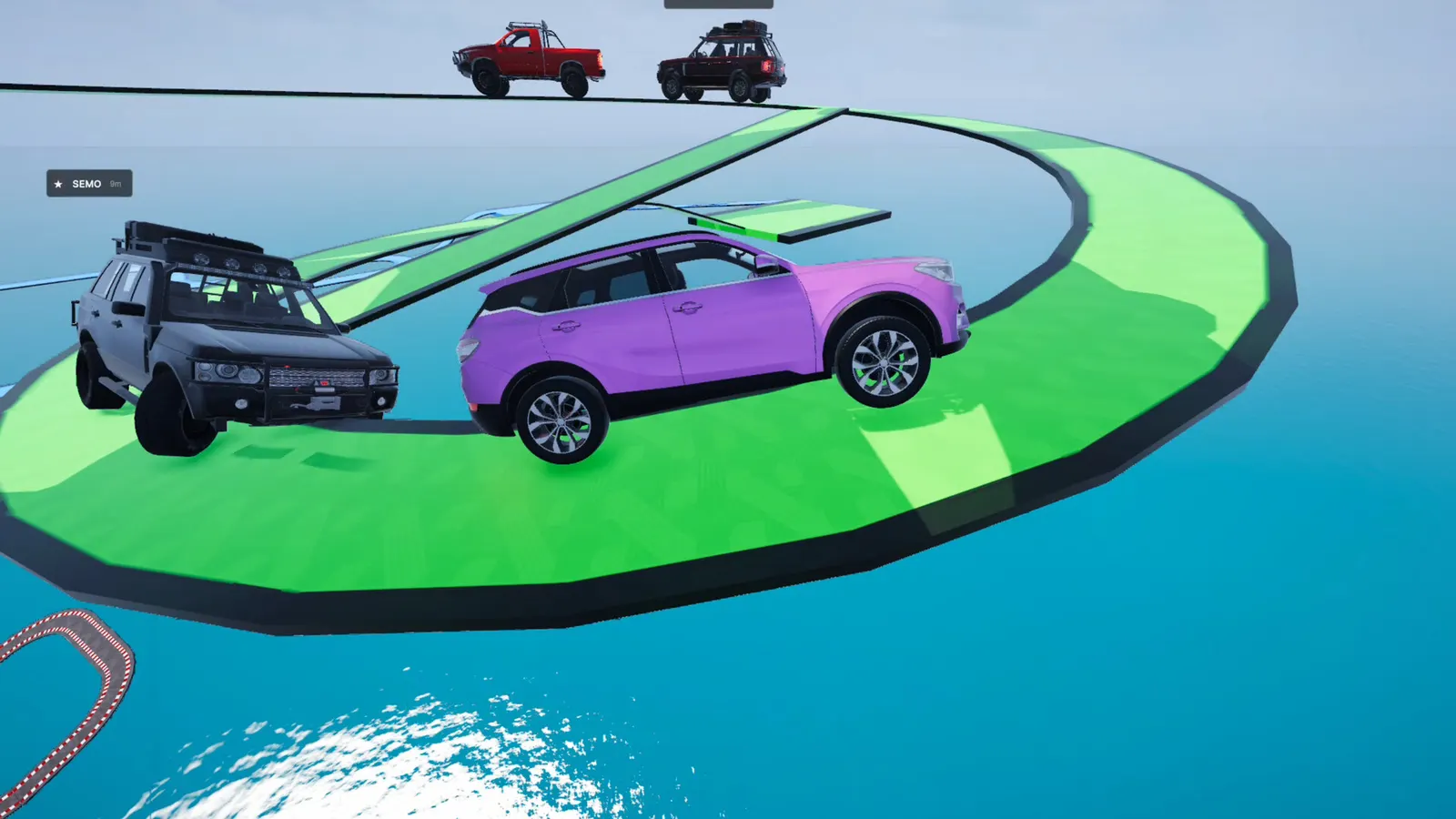
Screenshot: Gamevato official press kit.
Higher on the course, steep checkered ramps show large gaps in player height—one tag near 748m while others sit near single digits— which matches the “every meter is earned” pitch.
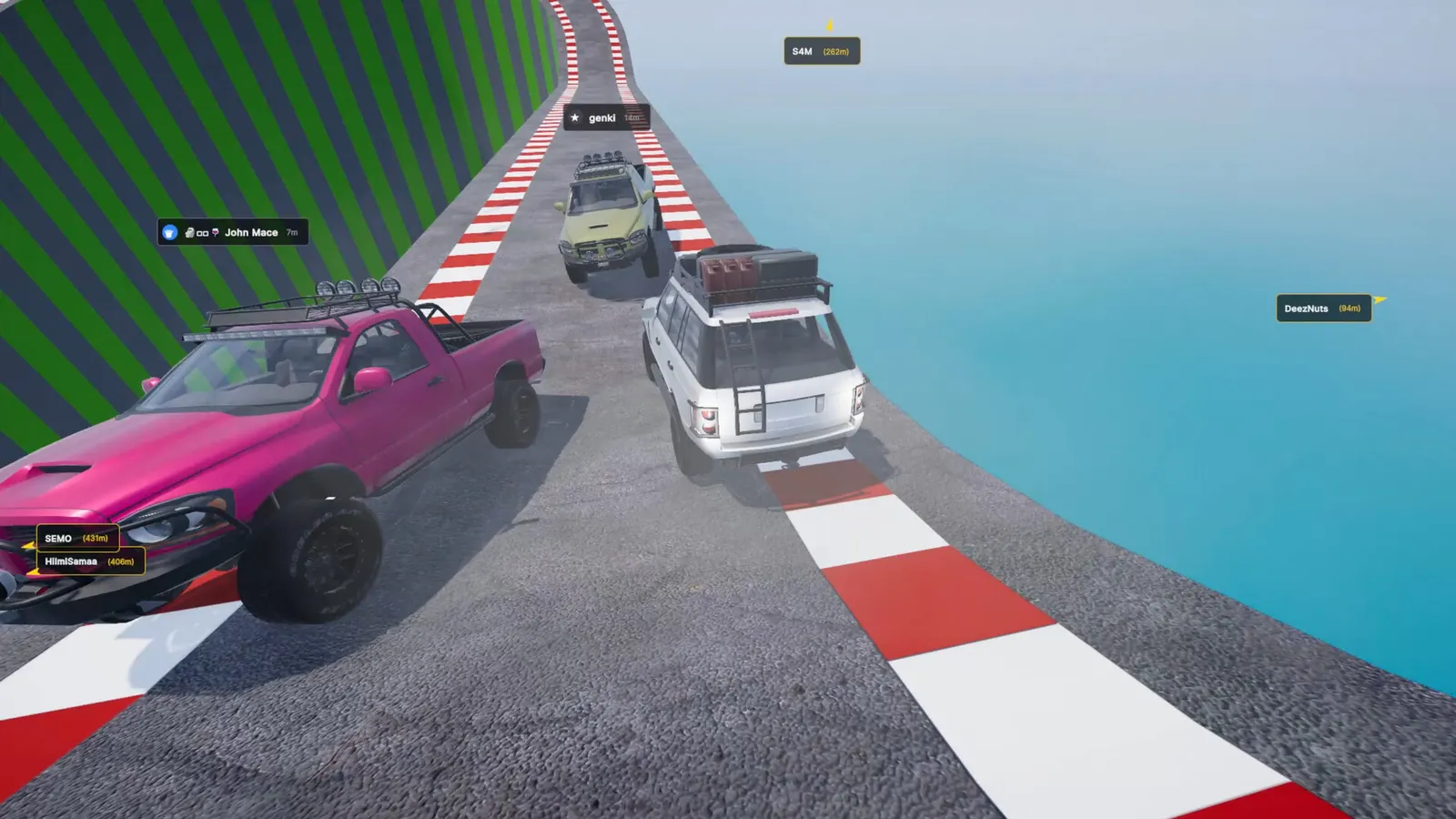
Screenshot: Gamevato official press kit.
Maps in Early Access include the launch mountain course, Port Babel (v0.1.1 harbor night map), and Neon Junction (v0.1.2 city map with a 1000 m finish). Map guides: mountain, Port Babel, Neon Junction.
Patch highlights live in v0.1.2 update notes. Achievements and leaderboard names are listed in our achievements and leaderboards guide—unlock conditions are not published in Steam API descriptions yet.
Last checked against patch v0.1.2 on November 4, 2026. This is an unofficial fan wiki.
FAQ
Can I play Drive UP: Together alone?
What happens when I fall off the track?
Do I need the full game if my friends own it?
Where do I see how high I am?
Is there a free way to try before buying?
Related Articles
Was this helpful?
Thanks for the feedback!